
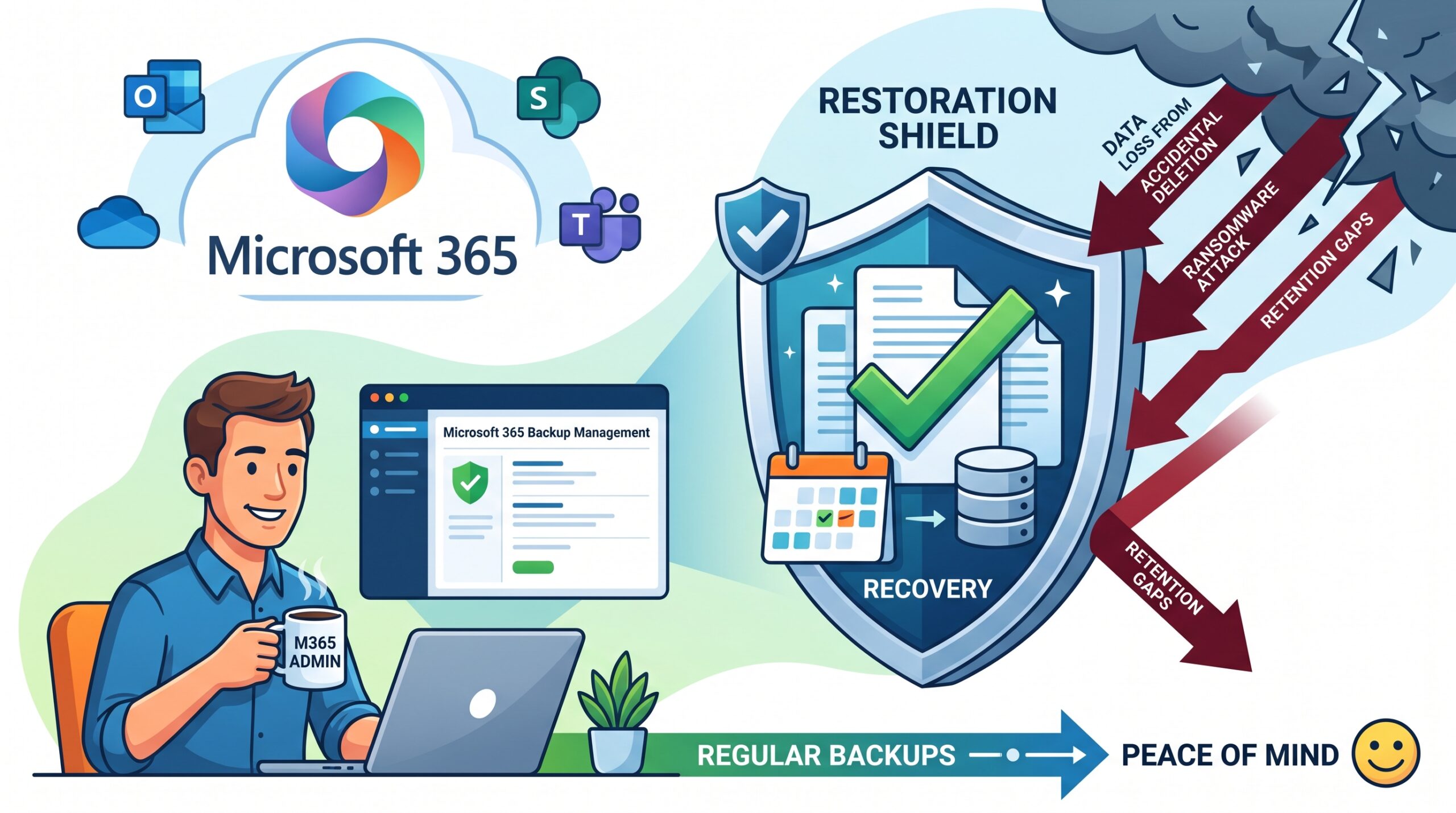
Microsoft 365 data needs a defined recovery strategy. Built-in retention, service resilience and a configured backup solution serve different purposes, so check whether your existing setup meets the business’s required restore scenarios.
Define recovery requirements
List workloads including Exchange, OneDrive, SharePoint and Teams. Decide retention periods, backup frequency and who can authorise restores.
Test a real restore
Restore sample email and files, check permissions and record how long it takes. Store backup access securely and review results regularly.
Practical decision guidance
Microsoft offers Microsoft 365 Backup for supported Exchange, SharePoint and OneDrive data. Third-party products offer other designs and capabilities. Compare workload coverage, restore granularity, retention, permissions, storage location and administrative separation. Do not assume a standard email licence means a separate backup policy is active.
Applying this to your business
Illustrative restore test: recover an older version of a shared file and a deleted email into a safe location. Confirm that the right people can access the result and record the elapsed time. A successful scheduled backup job is useful evidence, but it does not prove every recovery requirement has been met.
Before you proceed
- Map each workload to its recovery method.
- Check deleted-user and retention handling.
- Document and repeat restore tests.
Ask ITC Systems to review your Microsoft 365 recovery arrangements. Call 031 001 7028 or email [email protected].
Related service: https://itcsystems.co.za/cloud-services/
Related guide when published: https://itcsystems.co.za/blog/backup-vs-disaster-recovery/
Microsoft — Microsoft 365 Backup overview: https://learn.microsoft.com/en-us/microsoft-365/backup/backup-overview