
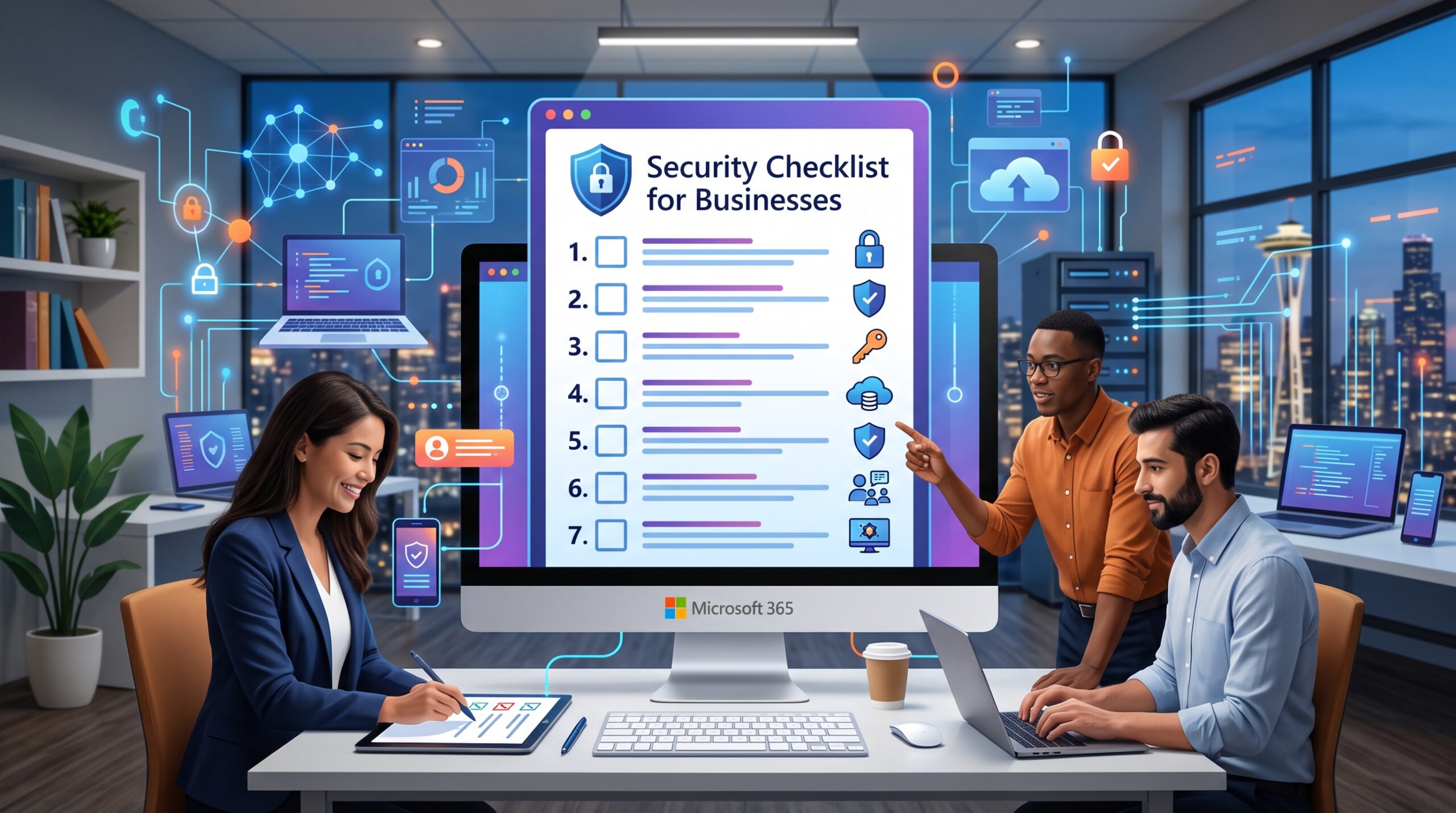
Microsoft 365 security starts with protected identities, controlled access and an assigned process for responding to suspicious activity. Review the tenant settings against actual licences and business workflows, then test that staff can work securely.
Review email and sharing
Inspect automatic forwarding, external sharing, mail protection and suspicious sign-ins. Align policies with how staff actually collaborate.
Protect devices and data
Manage updates, endpoint protection, retention and independent backup according to recovery requirements. Test access removal when employees leave.
Practical decision guidance
Microsoft provides security defaults as a baseline. Organisations requiring more tailored controls can evaluate Conditional Access with the appropriate licences. Plan any transition so protection is not removed before replacement policies are ready. Maintain secure emergency access and verify the recovery process.
Applying this to your business
For example, offboarding should cover sign-in access, active sessions, mailbox handling, file ownership and access to other business apps. Treat a departing user as a workflow with an owner and evidence of completion, rather than only removing a licence.
Before you proceed
- Check administrator roles and inactive users.
- Review external sharing and forwarding.
- Assign ownership of security alerts.
Request a Microsoft 365 configuration review. Call 031 001 7028 or email [email protected].
Related service: https://itcsystems.co.za/cloud-services/
Related guide when published: https://itcsystems.co.za/blog/microsoft-365-backup-business/
Microsoft — Security defaults: https://learn.microsoft.com/en-us/entra/fundamentals/security-defaults
Microsoft — Set up multifactor authentication: https://learn.microsoft.com/en-us/microsoft-365/admin/security-and-compliance/set-up-multi-factor-authentication